



- Project
- Self-Onboarding
- Client
- inovex
- Product
- Web application
- Services
Fast. Simple. Step by step.
Onboarding for every area
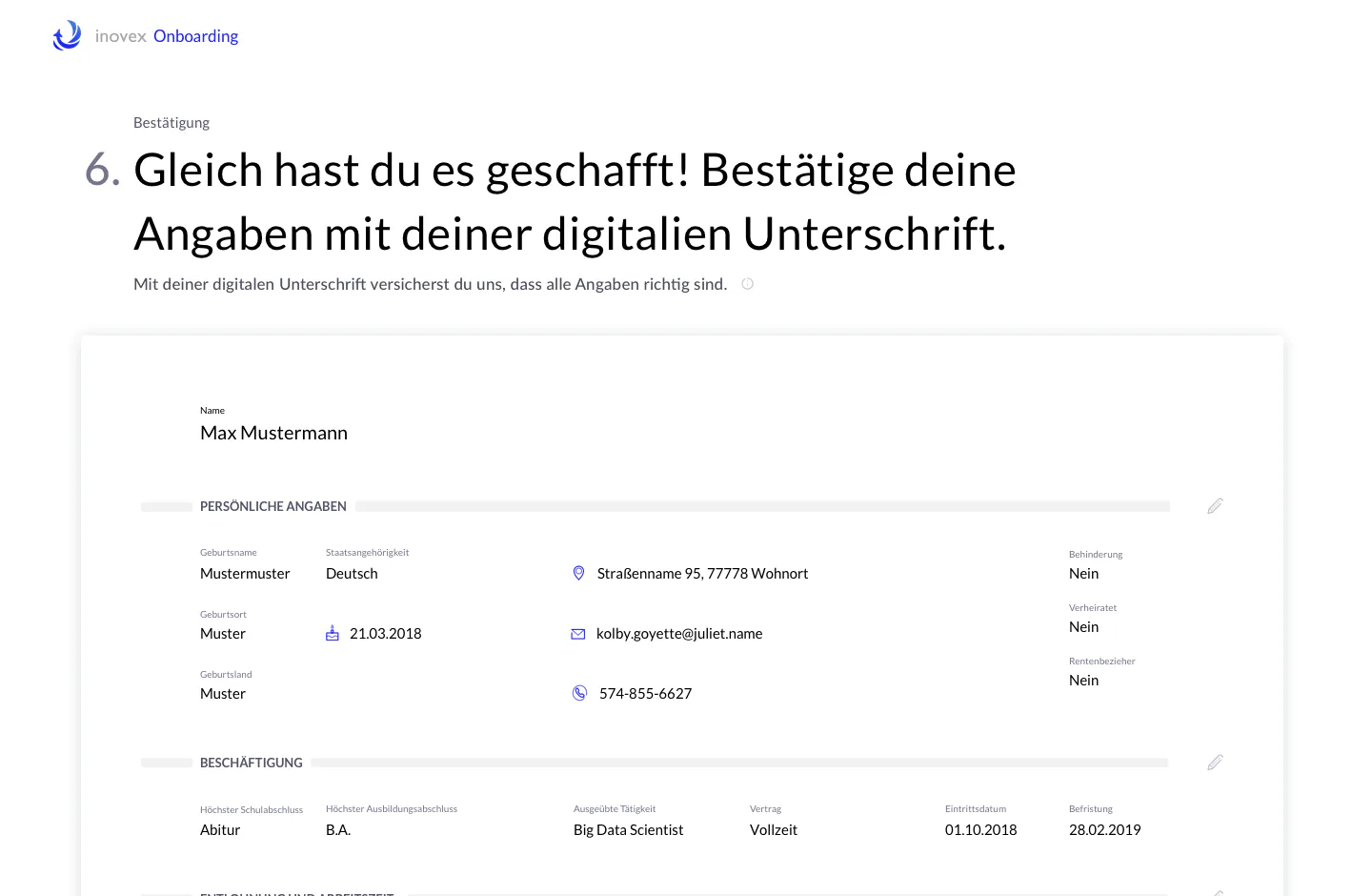
To simplify onboarding, our developers designed an interface that leaves nothing to be desired. No more endless emails between new hires and HR. All the important onboarding information is documented in one place.
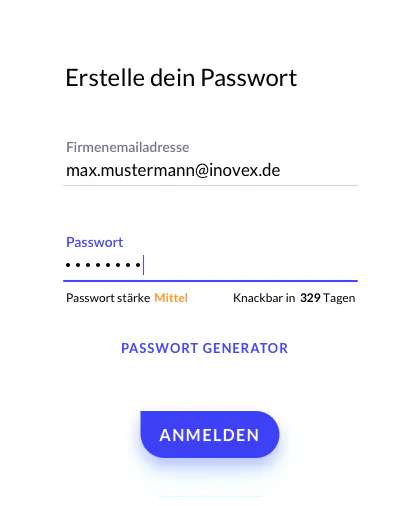
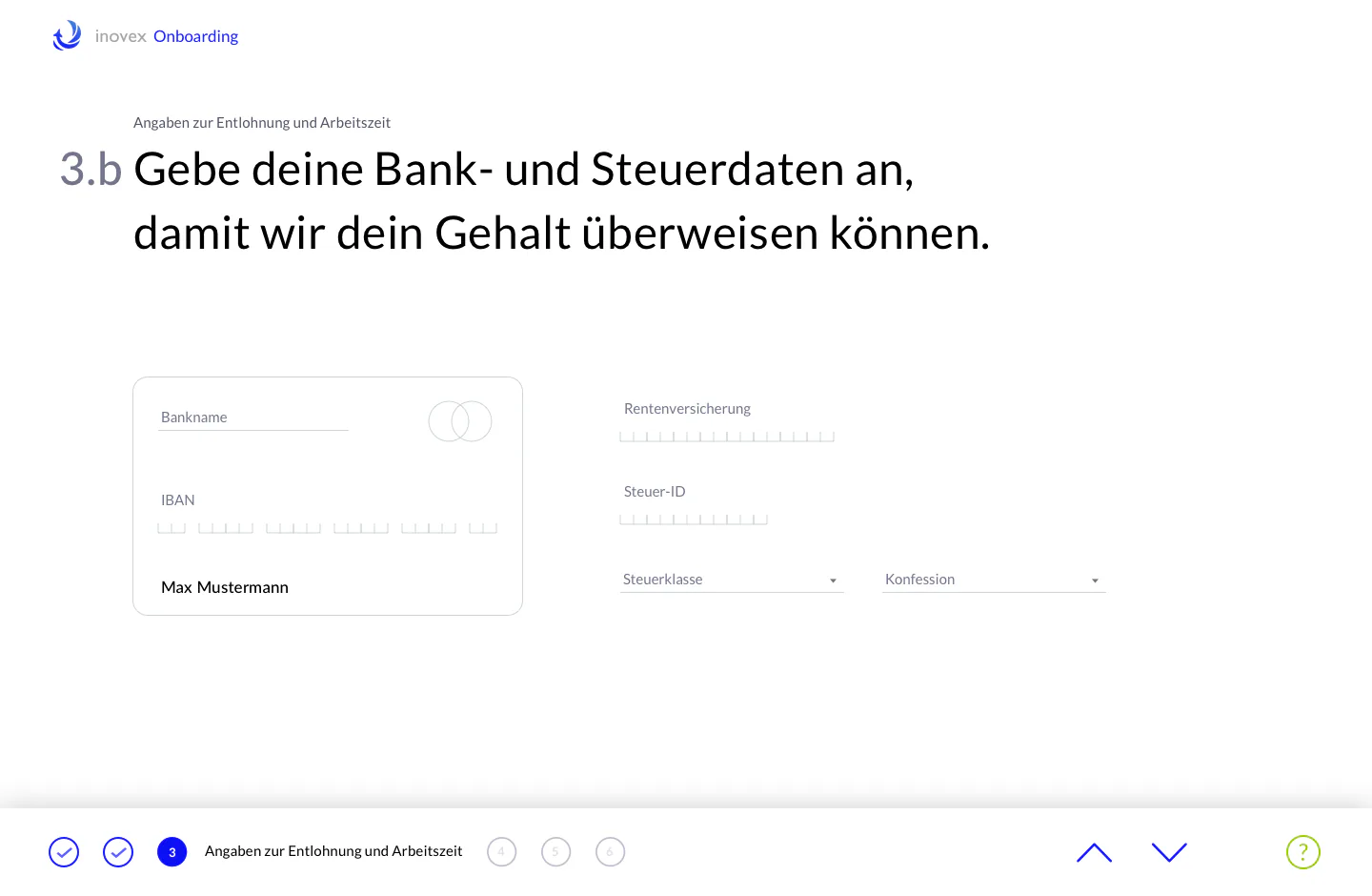
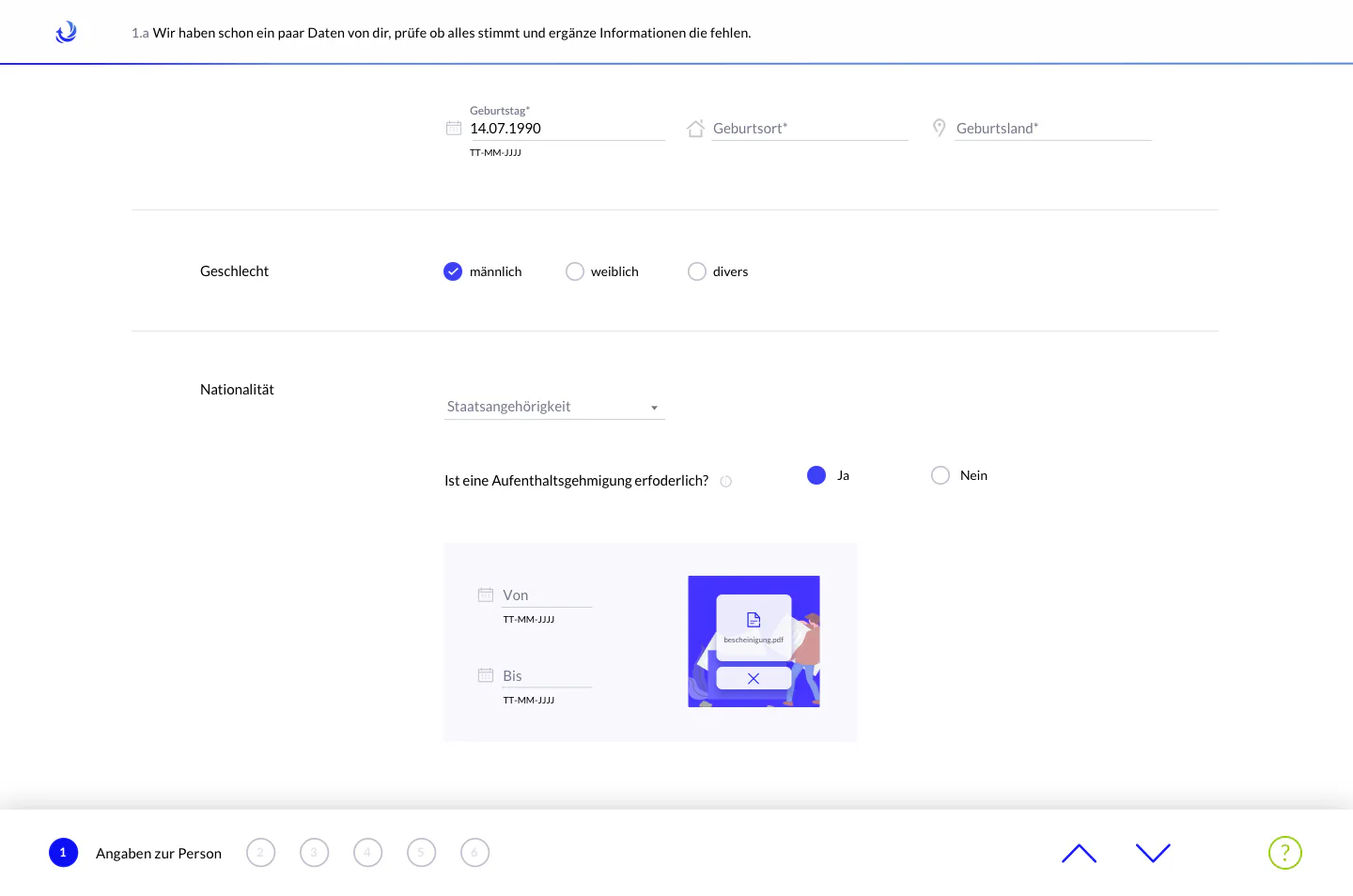
The tool makes setting up all accounts quick and easy. Self-Onboarding lets you upload every relevant document, such as health insurance certificates and driving licences. Personal details can be updated at any time with ease. Ordering and choosing work equipment also runs through the tool. And if you have questions or need help, you can reach the right contact person directly.
-
Google Design Sprint
Defining a concrete problem and exploring different solution ideas, including building and testing a low-fidelity prototype in 5 days.
-
UX/UI
Creating a user-friendly concept for fast, straightforward onboarding in the corporate look & feel.
-
Development
Feature-based implementation with modern technologies and frameworks, using inovex’s own UI component library, Elements.
-
User testing
Testing with users early in development and incorporating their feedback.
A simple introduction to the onboarding process
Fast. Simple. Step by step.
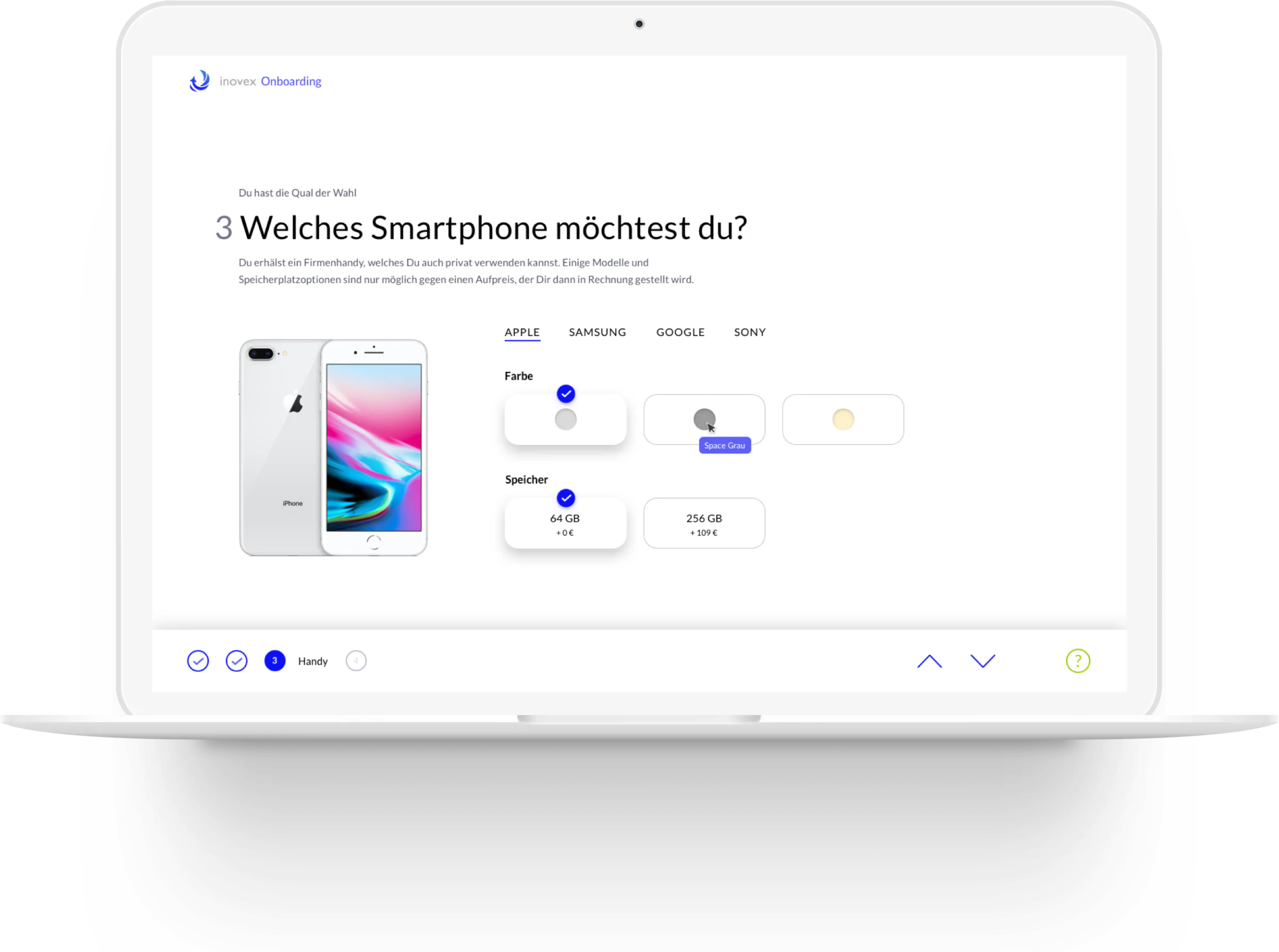
Visual display of the selected product, with access to detailed information.
Smart, interactive selection options.
Informative, active navigation bar with a support option.
Personalised questions with explanations, tailored to the previous answer.
Questions and requests handled individually and personally.